Be safe and secure on your computer

Part of Janet Elizabeth's Computer Help
There are criminals working over the Internet, and the Internet makes it very easy for them to contact and deceive people. Internet criminals want your passwords and other information so they can steal your money and they may be looking for your friend's addresses too. Always be on your guard:-
If something looks too good to be true ... it probably is!
- Never type your password, bank details or other personal information in response to an e-mail message

- keeping your computer free from infection
- protecting your passwords and personal data
- phishing scams and identity theft
- Computer viruses, worms and Trojan horses
- chain e-mails and SPAM
- police advice and other useful web sites
Keeping your computer free from infection
 Here are some of the things you can do to help keep your computer free from viruses and spyware (collectively known as malware).
Keep everything up-to-date. Make sure your operating system (Windows probably) is set to check for updates regularly and if it asks you permission to update, tap OK. When it says a Restart is necessary, close your work, e-mail etc and agree to the restart.
Install anti-virus software and keep it up-to-date. Make sure it is set to check for updates regularly and if it asks for permission to update, tap OK.
Criminals often target Microsoft web browsers like Internet Explorer and Edge, so install and use a safer web browser such as Firefox.
How easy it it for thieves to find your computer? Keep your computer hidden both indoors and out. If you travel with a laptop or tablet computer, use a bag that doesn't make it obvious you have a computer.
Find out what else you can do at Get Safe Online.
Protecting your Passwords and Personal Data
How safe is your e-mail password?
A secure password needs to have at least 12 characters, with both upper and lower case letters, numbers (in the middle) and some punctuation marks. See the government-funded information web site Get Safe Online for more information.Oh, and never allow a computer that's public or shared to "remember" any of your passwords.
When is it safe to provide personal or bank details?
Take extra care when you connect to your bank or an online shop where you have provided sensitive "personal data" such as your date of birth or your payment card details.Do not trust an e-mailed link to a bank, shop etc (these are usually fraudulent) but carefully type in the web address you already know to be correct.
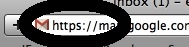
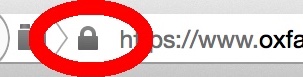 Before typing in sensitive information, look at the web address just above the window - it should have a padlock symbol before it or begin with https as shown here. Take special care when you go shopping online, do onlines banking, make a booking, or even sign into e-mail, Skype or a social network like Facebook.
This will ensure your data is encrypted. Encryption will protect your data when it passes through routers, modem, wifi servers and other computers on its way to its destination.
Phishing Scams - Don't Get Caught
How to recognise an attempt to steal your money or identity
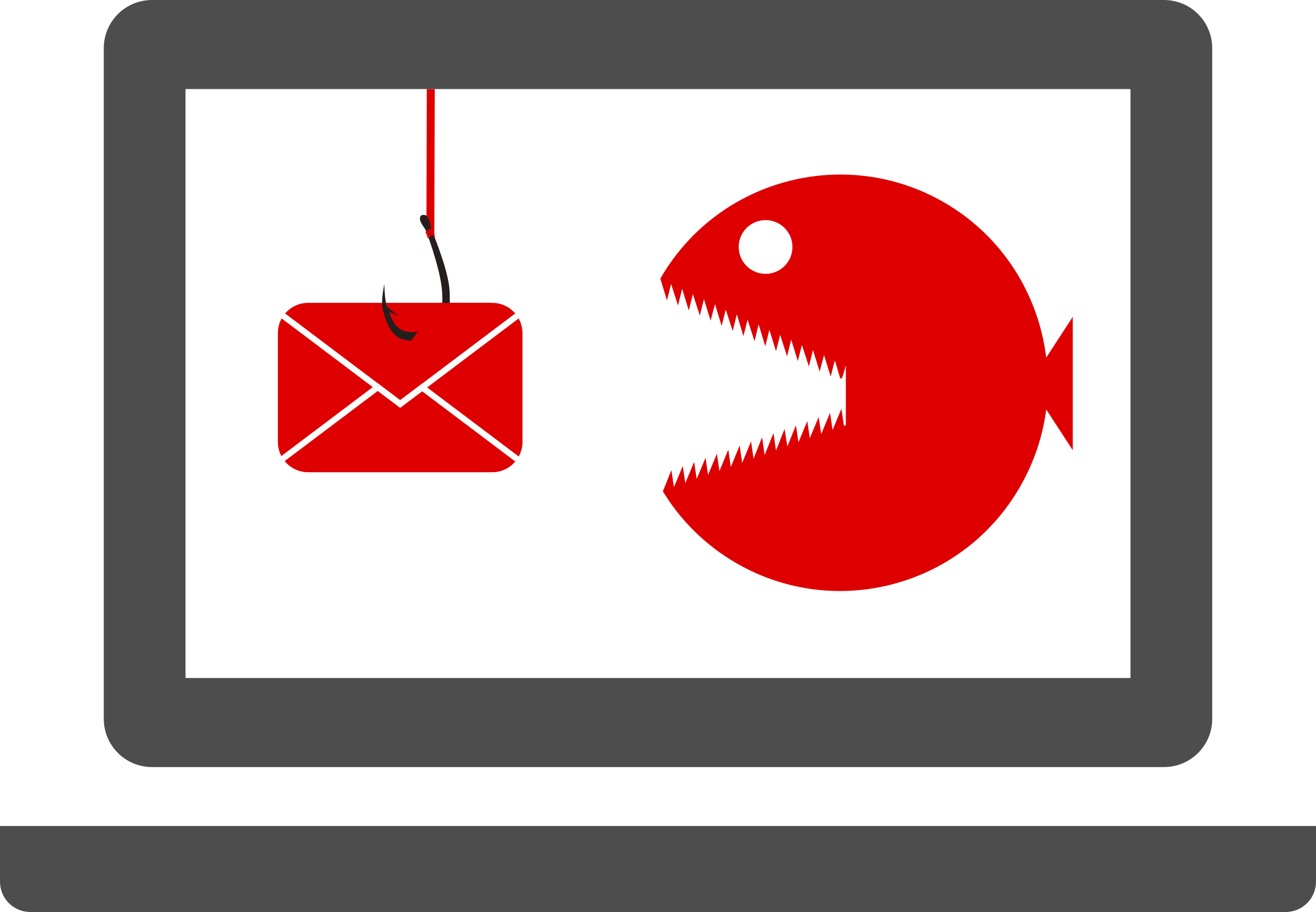 Criminals try to steal your money, or your identity, by "Phishing" - sending emails that trick you into revealing personal information such as your bank account details and passwords. They tempt you to tap on links that open Trojan Horses or take you to fake web sites.
Phishing criminals are ingenious ... tempting you with tax rebates or frightening you with news of non-existent problems with your computer, parcel delivery or bank account. Some phishing messages contain nothing but a blue web link with no explanation at all, to tempt quick-tapping younger people, especially children.
Protect yourself
Never respond to anything odd or over-excited, don't even "unsubscribe".Never follow a link from an unexpected e-mail.
Just delete the message.
Protect your friends and colleagues
When sending a message to many people (especially if they do not know each other) please protect them:a) hide the recipients' addresses in the BCC: (blind copy) field rather than the To: or CC: fields. Find Bcc below To:, or look for Options or View.
b) when forwarding a message, remove all the previous recipients' addresses from the "original message" section.
Bcc is really useful for protecting people's privacy and preventing their email address being spread around the internet and "harvested" by criminals. Read more about BCC in Ask Leo's article How does using BCC reduce SPAM? (watch out for adverts there).
If you manage a mailing list, for a club perhaps, please see the Data Protection guidance. Remove from your computer all contact details you no longer need. Consider using an e-mail management service such as Mailchimp. Remember the addresses were given to you in good faith and you have a legal responsibility to protect your clients' e-mail addresses and other personal data.
 Watch this short video called Phishing Scams in Plain English by Lee and Sachi LeFever of The Common Craft Show.
Then watch this BBC video about a form of blackmail that is rife in 2018.
See also my handout for U3A - Avoiding Scams 2018.
E-mail Hoaxes and Chain Letters
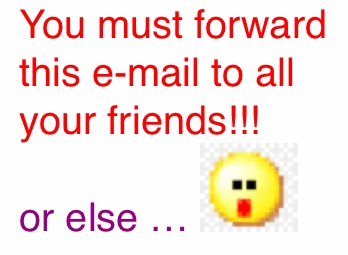 A message telling you to pass it on to all your contacts is equivalent to a chain letter. It may seem harmless but it is usually untrue and can often intimidate people.
Forwarding a message which contains other people's e-mail addresses means their addresses will soon be stored on many strangers' computers. Criminals can "harvest" lists of addresses sent like this.
If you really must forward chain e-mail, please reduce the risks by deleting all email addresses from inside the message and putting recipients' addresses into BCC (blind copy) rather than To, as described above.
What is a computer virus? What's a Trojan Horse? How do computers get worms?

 E-mail can also bring "malicious" software into your computer such as viruses, worms, Trojans and spyware, known collectively as "malware".
A good place to learn about the types of computer malware is Microsoft's page on How to prevent and remove viruses and other malware (and scroll down).
Prevention is much better than cure so always keep your computer system software and apps up-to-date, install antivirus software and firewall software and delete suspect e-mails.
Some people are worried by cookies. Probably the best place to read both the good and bad points about cookies is the Privacy and cookies page from the BBC.
Useful web sites to help you stay safe
Financial Fraud Action
 The Financial Fraud Action, run by the UK Payments Council, offers advice on various types of fraud, and this includes advice on defending yourself against phishing as well as phone scams and pension fraud. Go to FinancialFraudAction.org.uk and choose CONSUMERS and then ADVICE//.
Get Safe Online - web site to help you understand safety online
 British government departments and the police have helped to create Get Safe Online to help people understand online safety. Go to getsafeonline.org/protecting-your-computer to see how to protect yourself from identity thieves, viruses other threats.
Age UK - Fraud and Scam Advice
 Age UK's online information and advice for older people includes a phone number to use if you or another older person has been a victim of a scam or virus. Have a look at ageuk.org.uk/scams or Staying safe online.
Action Fraud - Report cyber-crime to the Police
 The City of London Police run a national centre for reporting fraud and internet crime. Its online address is www.actionfraud.police.uk. If you receive a fraudulent e-mail and want to help the police prevent this kind of crime, go to www.actionfraud.police.uk and select the red Report Fraud button.
Hoax-Slayer - helps you find out if an e-mail is genuine
 Hoax-Slayer contains examples of hoax messages that impersonate banks, HM Revenue & Customs etc. To check a suspect message you have received:
 1. Select and copy a distinctive piece of text from the suspect e-mail
2. Go to hoax-slayer.com
3. Paste your text into Hoax-Slayer's custom search box, top right, and tap Search
4. Scroll down below the numerous adverts (Ads) and look through the list of matches for your message
Hoax-Slayer has interesting articles on why people create hoaxes and whether e-mail petitions are useful; plus tips to help you use e-mail efficiently and securely. Use their site navigation panel on the left to find out more.
Ask Leo - Straightforward answers to common questions
 I have also found Ask Leo a useful place to help understand what's going on, as his writing is very clear.
See for example What security sofware do you recommend? or Do I need a Firewall? or how to tell if your email... has been hacked.
For more advice from me, see my introductory page, Janet Elizabeth's Computer help, my accessibility help on how to Train your computer and how to stay comfortable and avoid back pain etc when using your computer.
For information about me, tap the grey link to read about Janet Elizabeth's computing activities
Or visit Janet Elizabeth's home page